In 2026, the United Kingdom switched to electronic visas. This means that the consular service stopped using the familiar stickers that used to be placed in international passports. Almost all UK visas are now issued electronically, after which applicants can access their eVisa through a personal account. However, many travellers have questions and encounter difficulties. What should you show at the airport? How does passport control at the border work? Do you need to print your visa or the Embassy’s confirmation? To answer these questions accurately, we collected feedback from actual applicants who have already obtained a UK electronic visa and travelled to the United Kingdom. You can find their recommendations below.
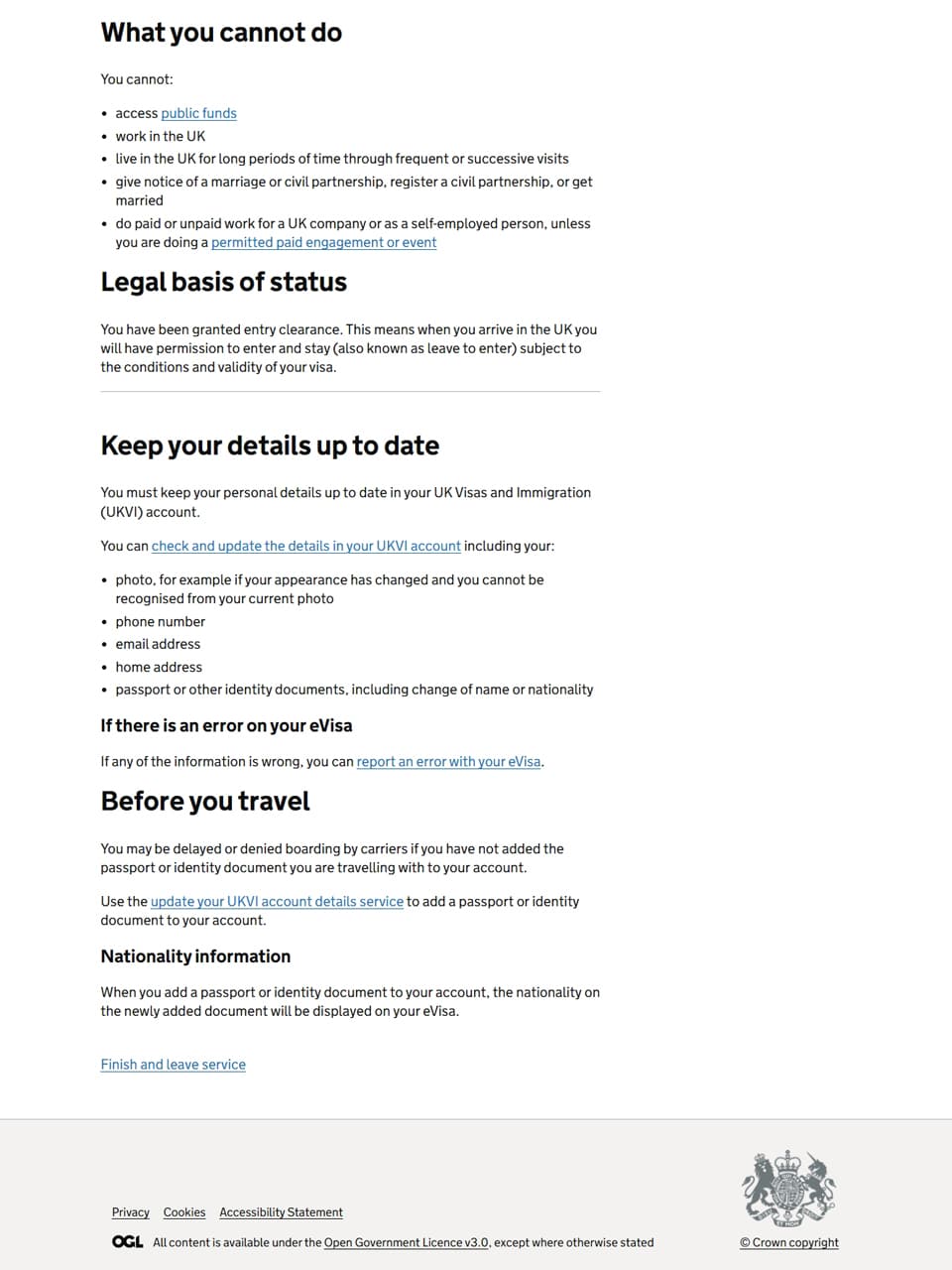
After your visa is approved, you need to create an account in the UKVI system. This is where you must register your UK electronic visa. It is important to check that all information is displayed correctly, without errors, and that the correct international passport is listed – the one you will use to travel to the United Kingdom. Also make sure that the share code function works properly in your account: this code allows you to prove your immigration status to third parties. We recommend generating a share code in advance. You may need it at flight check-in or when transferring at an airport.
Travellers who have already used an eVisa recommend saving a file with the electronic visa you received – your eVisa confirmation – on your phone. It is also advisable to save a file containing your share code. This will help you complete check-in procedures quickly and confirm that you have the Embassy’s approval if you have internet problems. You can also print these files if you wish. Having printed documents will help you feel calm and confident.
At flight check-in, airline staff must confirm that the traveller has permission to enter the United Kingdom. Under the immigration service’s rules, airline representatives check the details in the official UKVI online system, which holds information about issued visas. We asked our applicants how this procedure works in practice. Some travellers were asked to open their UK electronic visa through their UKVI account. Others were asked to show a share code to prove their immigration status. Still others said that they only had to present an eVisa screenshot. As you can see, there are several ways the check may be carried out. It is therefore best to prepare for all these scenarios. The rules may differ depending on the airline, airport or individual member of staff.
Please note that most checks of your UK electronic visa take place when you board your flight. At the border, according to most travellers’ feedback, you only need to present your international passport. The border officer scans the travel document, and your valid eVisa is displayed automatically. The officer checks the details and grants permission for you to stay in the country. This usually concludes the check. However, there are exceptions you should bear in mind.
In some cases, travellers are asked to show return tickets and a booking for accommodation in the United Kingdom. They may also be asked about their travel plans and to show an itinerary. It is advisable to prepare all these documents in advance. Save electronic copies or print them. You may not need them, but if the officer does ask for additional evidence, you will not have to explain yourself, worry or search for the right files. Everything will be close at hand.
If you have received a UK visa but are unsure how to register it correctly, contact us. We will help you register your eVisa quickly, correctly and professionally. Our specialists will handle every stage: creating your UKVI account, checking that the details in the system are correct and preparing your share code. Submit a request using the link below to avoid mistakes with your UK electronic visa. Before you travel, you will know for certain that everything is ready and that you will have no eVisa problems at the airport, at the border or in the United Kingdom.
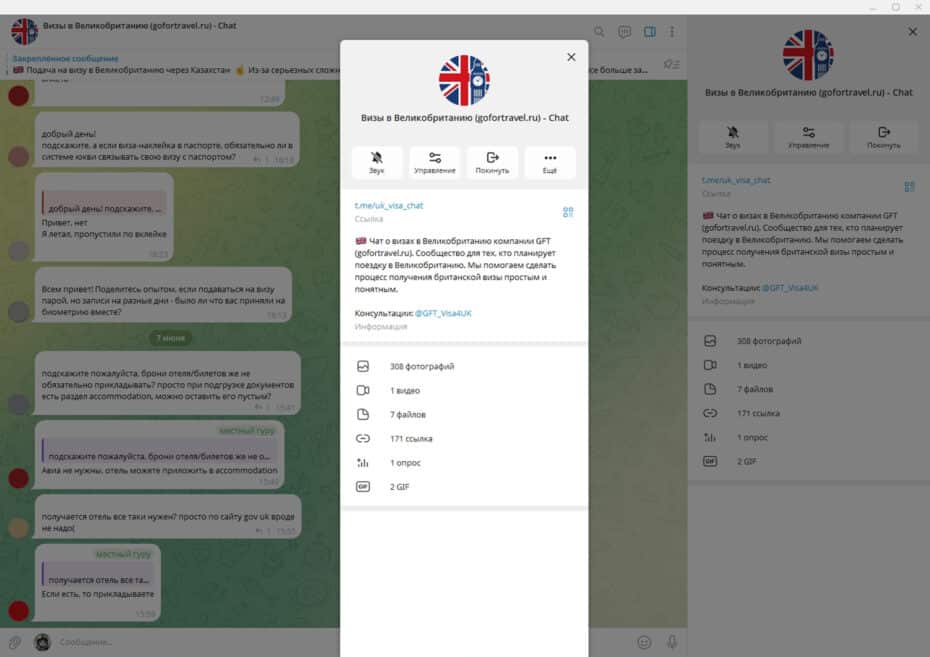
If you have already obtained a UK electronic visa and travelled with it, we invite you to share your experience in our Telegram chat about UK visas. We publish current information about applications and all updates, offer advice and answer questions. Users also actively talk to one another, explaining how they obtained their visas and travelled to the United Kingdom. Please share your experience too: how was your eVisa checked at the airport and the border? What questions were you asked? What were you asked to show? Together, we can put together a detailed and useful guide for travellers.








 Загрузка...




Спасибо, ваш вопрос отправлен
Мы получили ваш вопрос и передали его на модерацию. После проверки он появится на этой странице. Обычно мы публикуем ответы в течение 1-3 рабочих дней. При высокой загрузке рассмотрение может занять немного больше времени, поэтому ответ иногда появляется позже.
Добавьте эту страницу в закладки и вернитесь к ней через несколько дней, чтобы узнать, появился ли ответ на ваш вопрос.
Если вам нужна комплексная помощь с оформлением визы, оставьте заявку - специалист свяжется с вами и расскажет о дальнейших шагах.